
Steam download slow? First check whether Steam is transferring data, installing what it has downloaded, or waiting because of a setting. Those situations call for different next steps. Steam also reports speed in bytes per second by default, while internet connections are commonly described in bits per second, so the numbers can look farther apart than they are. Start with the unit comparison, then look at installation work and the Downloads settings. If those checks do not explain the slowdown, Valve provides network guidance and traffic information that can help you narrow it down.
Why is my Steam download so slow?
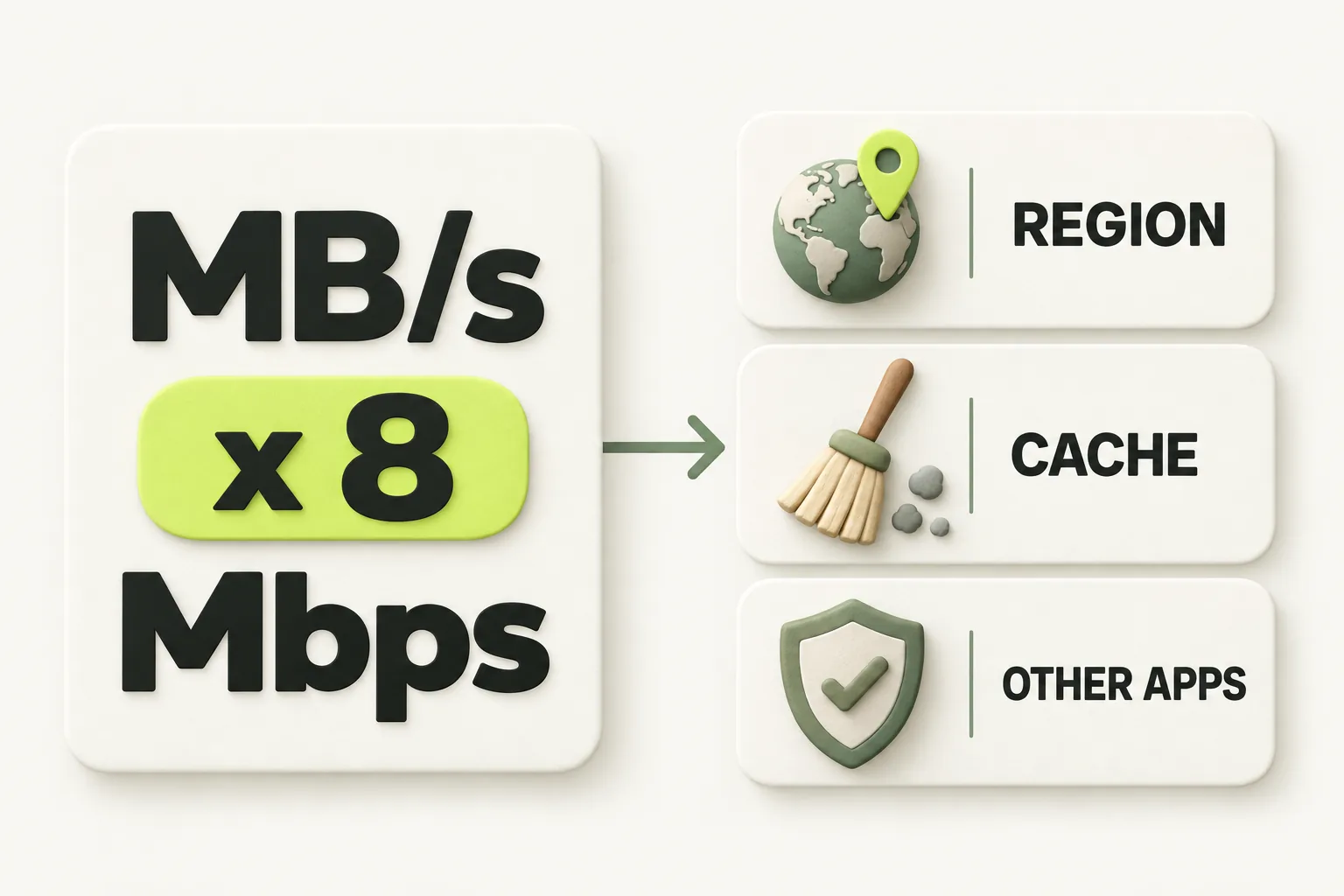
Start with the units beside the speed. Valve says internet speeds are usually measured in bits per second, while Steam shows bytes per second. One byte equals eight bits, so multiply the rate shown by Steam by eight before comparing the numbers. Valve's example of 768 KB/s is about 6 megabits per second.
Valve's example table estimates a maximum Steam rate of 384 KB/s for a 3 megabit connection, 2.5 MB/s for 20 megabits, and 6.25 MB/s for 50 megabits. These examples help explain the units; they do not promise that a download will hold a particular rate. Use this checklist to choose what to inspect next.
| What you notice | What to check next |
|---|---|
| Steam shows MB/s while your connection is described in Mbps | Convert bytes to bits, or change Steam's display unit. |
| A bandwidth limit appears in the Download Manager | Review Limit Download Speed. |
| The reported rate slows during installation work | Consider CPU and disk activity as a possible constraint. |
| A download pauses when a game launches | Review Allow Downloads During Gameplay. |
Is Steam downloading or installing?
A falling reported rate does not always point to the internet connection. Valve says installs are CPU and disk intensive, and the reported download speed may be throttled to match that work. Installing to an SD card can also lengthen install time.
If Steam is still working through an install, give that possibility attention before changing network settings. If the issue is an install failure rather than a slow rate, the guide to disk write errors during installs is a closer match for that symptom.
Which Steam settings can slow or pause downloads?
Open Steam > Settings > Downloads and check Limit Download Speed. Valve says the setting uses kilobytes or megabytes per second, and a bandwidth limit that has been set appears in the upper right of the Download Manager. If a limit is visible, compare it with the rate you are seeing.
In the same Downloads tab, you can tick Display download rates in bits per second. That changes how Steam presents the rate, making it easier to compare with a connection described in bits per second. It does not itself increase the download rate.
Steam pauses downloads when a game launches to prioritize the game's network traffic. If that explains the pause, review Allow Downloads During Gameplay under Steam > Settings > Downloads. Also check Only auto-update games if an automatic update is not starting when expected: that option restricts updates to a chosen time window.
Valve says Steam picks a content server by location. Under Steam > Settings > Downloads > Download region, choose your own or the closest region, or try a nearby one. Valve also says some third-party apps, including internet security or packet-filtering software, can cause Steam to use the wrong content servers.
Could your network or Steam traffic be involved?
Once the units, install work, and settings make sense, consider Valve's network guidance. For download speed, its hardware network guide suggests moving the router to a less congested channel and reverting any DNS changes. Those are checks to consider, not guaranteed speed fixes.
Valve's Steam Download Stats page shows a global traffic map for the last 7 days, average download rates by ISP, and Steam download bandwidth used over the last 48 hours. That context can help you investigate broader traffic, but it is not a live verdict on your particular download.
Valve says planned Steam downtime usually lasts less than an hour and that peak user load is around 1200 Pacific Time. If downloads are behaving unusually, keep that context in mind without assuming it explains the problem. For a different platform, see the PS5 version of this problem.
What should you try next, in order?
Work from the symptom you can identify. This order starts with checks that explain the displayed rate, then moves through Steam's settings and Valve's network guidance.
- Compare the units. Multiply Steam's bytes-per-second rate by eight, or tick Display download rates in bits per second under Steam > Settings > Downloads.
- Check whether Steam is installing. Valve says CPU and disk work can throttle the reported download speed, and an SD card can lengthen install time.
- Review Limit Download Speed. Look for a bandwidth limit in the upper right of the Download Manager and check the setting under Downloads.
- Check for a planned pause. Review Allow Downloads During Gameplay and the time window set by Only auto-update games.
- Review Download region. Start with your own or the closest region, then consider a nearby region as Valve suggests.
- If those checks do not explain it, consider Valve's router channel and DNS guidance, then use Steam Download Stats for broader traffic context.
If the listed checks leave the download behaving unexpectedly, Clear Download Cache is at the bottom of the Downloads tab in Steam Settings. Valve says it does not affect installed games, but you must log in to Steam again afterward.
The bottom line
A low-looking number may be a bits-versus-bytes comparison, while a changing rate may reflect installation work or a Steam setting. Match the symptom to the next check before making broader changes.
How we researched this
This guide is built from Valve's official Steam Support articles, steamdeck.com specifications and Steam news posts, opened and checked on 16 October 2026. Search demand for "steam download slow" comes from SEMrush US keyword data captured in October 2026. We did not run our own device tests for this article, so every specific step, number and date is attributed to the source that states it. A first draft was prepared with AI writing assistance and then fact-checked line by line against those sources by the editorial team.
Our editorial policyYour questions, answered
why is my steam download so slow
Several causes are possible, so start by checking what the displayed rate means. Steam shows bytes per second by default, while internet connections are commonly described in bits per second. If the units are accounted for, installation work, a set bandwidth limit, a gameplay pause, or the selected content server may better explain what you see.
does changing download region help steam
It can be a useful check, but Valve does not promise a speed increase. Steam chooses a content server based on location, and Valve suggests selecting your own or the closest region, or trying nearby regions. If Steam seems to be using an unexpected server, also consider Valve's warning that some third-party apps can affect server selection.
does clearing download cache help steam download speed
Valve provides a Clear Download Cache option, but Valve's support page does not promise a speed gain from using it. The button is at the bottom of the Downloads tab in Steam Settings. Valve says clearing the cache does not affect installed games, though you will need to log in again, so check the more direct explanations first.
is steam down right now
This guide cannot confirm Steam's current status. Valve's Download Stats page provides traffic history, not an official live outage status. Valve's support article labels a link Steam Network Status, but that link redirected to Steam Charts on October 16, 2026. Treat traffic context and planned downtime guidance as clues, not confirmation of a current outage.
why does steam download speed drop to 0
A zero reading needs context before you can identify its cause. Steam pauses downloads when a game launches unless you allow downloads during gameplay. Valve also says CPU and disk intensive installation work can throttle the reported download speed. Check whether either situation applies, then review the bandwidth limit and download region if the behavior continues.
Sources and further reading
- Slow Downloads and Connection to Content Servers: Steam Support ↗
- Setting Client Rates (Limit Download Speed) in Steam: Steam Support ↗
- Managing Steam Downloads & Updates: Steam Support ↗
- Downloads automatically pause when launching a game: Steam Support ↗
- Clear download cache: Steam Support ↗
- Steam Hardware - Network + Wi-Fi Troubleshooting: Steam Support ↗
- Steam Downtime and Server Maintenance: Steam Support ↗
- Steam Servers Are Currently Unavailable or Too Busy: Steam Support ↗
- Steam Download Stats: Valve ↗
- Steam Status (unofficial): steamstat.us / SteamDB (secondary report) ↗