A ps5 controller not charging may need a rest mode setting, a different cable, or another console port. Start by checking what the PS5 says about the battery while the controller is connected with the included USB cable. That tells you more than relying on the light bar alone. If charging works while the console is on but stops in rest mode, check USB power settings next. If the controller still will not charge, work through the cable and port checks before treating it as a battery issue.
Is the DualSense charging at all?
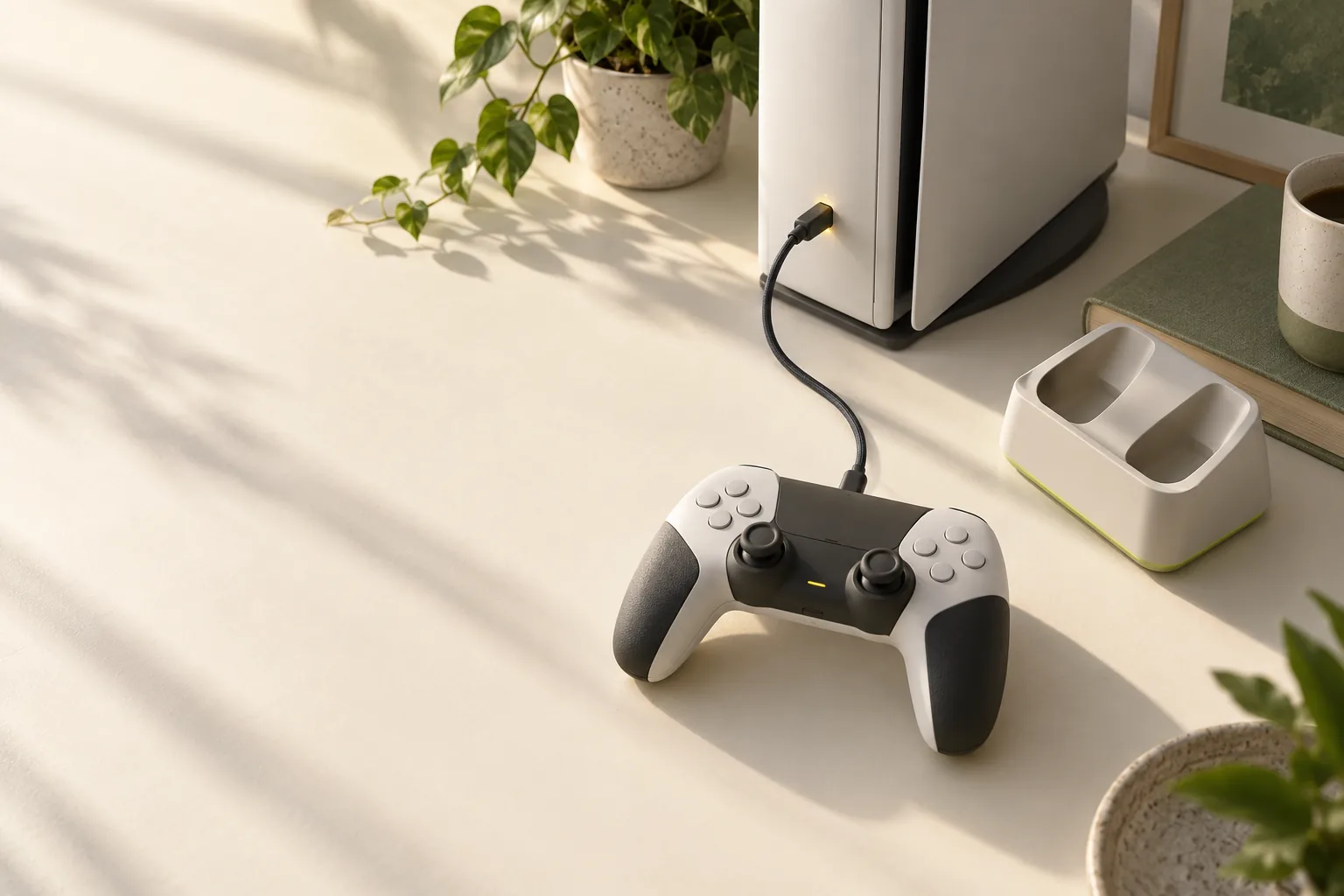
Connect the controller to the PS5 with the included USB cable while the console is on. Press the PS button and select Accessories in the control center. An animated battery icon with a lightning bolt means it is charging; three bars without animation mean it is fully charged. This check helps you avoid treating a completed charge as a failure.
The DualSense manual says that in rest mode, the light bar slowly blinks orange while charging and turns off when charging is complete. If the controller also fails to connect, the pairing and reset steps for a DualSense can help you address that symptom before you decide the battery needs service.
Why does charging stop in rest mode?
Rest mode charging must be enabled first. On the PS5, go to Settings > System > Power Saving > Features Available in Rest Mode > Supply Power to USB Ports, then choose Always or 3 Hours. Consoles in the CFI-2000 model group can also select Adaptive. If the controller charges while the console is on, this setting is the next place to check.
Adaptive charging requires the included USB Type-C cable connected to the PS5's USB Type-C port. It adjusts charging time to the controller's battery level when the console enters rest mode. Sony's power-saving information lists Adaptive for CFI-2000/7000 model group consoles, while its charge-rest-mode page names CFI-2000, so check the options shown on your own console.
Sony also says rest mode stops supplying power if no device is connected after a certain amount of time. Enabling rest mode features such as USB power means the PS5 does not automatically lower rest mode power consumption below 0.5 W.
Which cable and console checks should you try next?
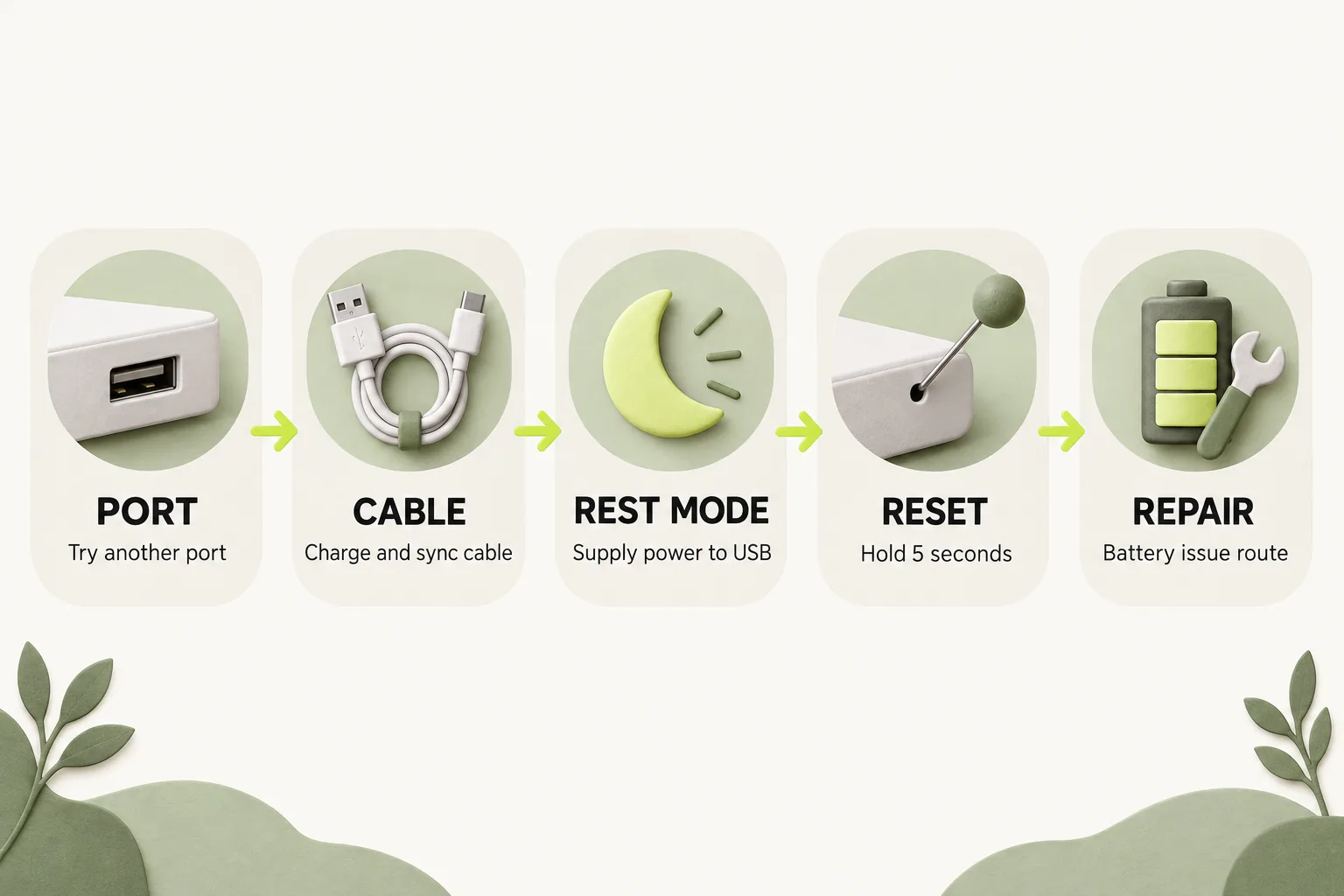
If the charging indicator does not appear, follow this order. Keep the controller connected to the console for the first checks so you can compare the result after each change. Charging through a computer has separate considerations covered in what changes when the cable goes into a PC.
- Connect the DualSense to an on PS5 with the included USB cable, then check Accessories for the animated battery icon.
- If the problem occurs in rest mode, set Supply Power to USB Ports to Always or 3 Hours and check again.
- Try a different PS5 USB port. Then try another cable labeled charge and sync or charging and data.
- Check that the charging area is between 10 °C and 30 °C (50 to 86 °F). You can also try a USB-standard charger, though not every USB charger can charge a DualSense.
- If a battery issue remains after a controller reset, use PlayStation Repairs.
Sony says a charge only cable cannot be used for this check. PS5 port layouts also vary: CFI-2000/7000 consoles have two front Type-C ports and two rear Type-A ports, while CFI-1000 consoles have a front Type-A, a front Type-C, and two rear Type-A ports. Sony does not specify which individual ports supply power in rest mode.
| What you find | What to check next |
|---|---|
| Animated battery icon with a lightning bolt | The controller is charging; wait for three bars without animation to confirm a full charge. |
| Charges while the PS5 is on, but not in rest mode | Check Supply Power to USB Ports in rest mode settings. |
| No charging indication with the included cable | Try another PS5 USB port, then a charge and sync or charging and data cable. |
| Battery issue remains after a reset | Use PlayStation Repairs. |
Can the charging station help you check?
If you have the official DualSense Charging Station, seat the controller on its charging connector until it clicks. Its light bar slowly blinks orange while charging and turns off when charging is complete. The station's manual says a fully drained controller takes about 3 hours to charge. That figure applies to the station, so do not use it as a promised charge time for a cable connected to the console.
Use only the AC adaptor and power cord included with the charging station. A station check gives you another way to observe charging, but the console's Accessories display remains the direct check when charging through the PS5.
What if the PS5 controller is not holding charge?
A controller that begins charging but later runs for less time raises a different question from one that never shows a charging indication. The DualSense manual says its battery has a limited lifespan and that battery duration gradually decreases with use and age. It does not give a single runtime that would diagnose your controller.
Complete the charging checks before deciding the battery is the cause. If the controller has been unused, the manual recommends fully charging it at least once a year. Sony lists Battery issue among DualSense problems directed to PlayStation Repairs after a controller reset.
The bottom line
Check the charging icon with the PS5 on, then verify rest mode USB power if that is where charging fails. A different console port and a suitable data-capable cable are the next checks. If a battery issue persists after a reset, move to PlayStation Repairs.
How we researched this
This guide is built from Sony's official PlayStation Support pages and the DualSense instruction manuals, opened and checked on 16 October 2026. Search demand for "ps5 controller not charging" comes from SEMrush US keyword data captured in October 2026. We did not run our own device tests for this article, so every specific step, number and date is attributed to the source that states it. A first draft was prepared with AI writing assistance and then fact-checked line by line against those sources by the editorial team.
Our editorial policyYour questions, answered
why is my ps5 controller not charging?
Start by checking whether the PS5 shows an animated battery icon with a lightning bolt in Accessories. If it does not, the issue may involve rest mode USB power, the cable, or the console port. Try the included cable while the PS5 is on, then work through those checks. A persistent battery issue belongs with PlayStation Repairs after a controller reset.
why is my ps5 controller not charging in rest mode?
Rest mode USB power may need to be enabled. Check Settings > System > Power Saving > Features Available in Rest Mode > Supply Power to USB Ports and select Always or 3 Hours. If your console offers Adaptive, that option has specific cable and USB Type-C port requirements. Also check whether the controller shows the slow orange blink that indicates charging in rest mode.
how do i know if my ps5 controller is charging?
Press the PS button and open Accessories in the control center. An animated battery icon with a lightning bolt indicates charging, while three bars without animation indicate a full charge. In rest mode, the light bar slowly blinks orange during charging and turns off when charging is complete. Check the battery icon while the console is on if the light bar leaves you unsure.
how to charge ps5 controller in rest mode?
Connect the DualSense to the PS5 with the included USB cable and enable rest mode USB power. The setting is under Settings > System > Power Saving > Features Available in Rest Mode > Supply Power to USB Ports; choose Always or 3 Hours. A CFI-2000 model group console may also offer Adaptive. For Adaptive, use the included USB Type-C cable and a PS5 USB Type-C port.
how long does a ps5 controller take to charge?
Sony's published figure covers the official DualSense Charging Station: its manual says a fully drained controller takes about 3 hours to charge. The Sony pages cited here do not give a full-charge time for a controller connected to the PS5 by cable. For console charging, use the Accessories battery icon to see when it reaches three bars without animation.
Sources and further reading
- How to charge your controller or accessory on PlayStation consoles: PlayStation Support ↗
- How to connect a DualSense wireless controller (Charge controller / Charging issues): PlayStation Support ↗
- How to change power-saving settings on PlayStation consoles: PlayStation Support ↗
- PS5 console USB ports guide: PlayStation Support ↗
- DualSense Wireless Controller (CFI-ZCT1W) Instruction Manual: Sony Interactive Entertainment ↗
- DualSense Charging Station (CFI-ZDS1) Instruction Manual: Sony Interactive Entertainment ↗
- How to troubleshoot DualSense wireless controller issues: PlayStation Support ↗