Steam Deck battery life has no single hour figure. Valve claims 2 to 8 hours of gameplay for the LCD model and 3 to 12 hours for OLED, with both ranges dependent on content. Those are manufacturer claims, not measurements of a particular game. If you are choosing between models, the useful question is how much room each gives you when a game demands more power. This guide explains the official ranges, why OLED has a higher claim, and which settings and charging habits are worth considering without promising extra hours.
How long is the battery life on Steam Deck?
Valve lists a 40Whr battery for Steam Deck LCD and a 50Whr battery for Steam Deck OLED. Its gameplay estimates span 2 to 8 hours for LCD and 3 to 12 hours for OLED. Valve marks both ranges as content dependent, so neither endpoint tells you how long your next session will last.
| What to check | Steam Deck LCD | Steam Deck OLED |
|---|---|---|
| Valve's battery listing | 40Whr | 50Whr |
| Valve's gameplay claim | 2 to 8 hours, content dependent | 3 to 12 hours, content dependent |
| Display refresh rate cap | 60Hz | 90Hz |
Start with the range for the model you might buy, then treat its lower end as a reminder that demanding content can shorten a session. The wider OLED and LCD model comparison can help if battery life is one part of your decision. A range is useful for planning, but it cannot identify the runtime of a game you have not checked.
Why does Steam Deck OLED have a higher battery claim?
Valve says OLED has 30 to 50% more battery life. It credits a bigger battery, a display that draws less power, and a more efficient AMD APU. That percentage is Valve's general model claim, not a guarantee that every game will run 30 to 50% longer on OLED.
Battery capacity helps explain the difference, but capacity alone does not determine gameplay time. Valve lists Steam Deck APU power at 4 to 15W, which shows why the work a game asks the device to do matters. Think of the published ranges as boundaries for expectations rather than a calculator for your own library.
The OLED claim may matter most to you if you frequently play away from an outlet. If most sessions happen near a charger, compare the models on the other qualities you care about as well. Either way, choose using Valve's content-dependent range instead of assuming that the top number will be typical.
What can you change to make a charge last longer?
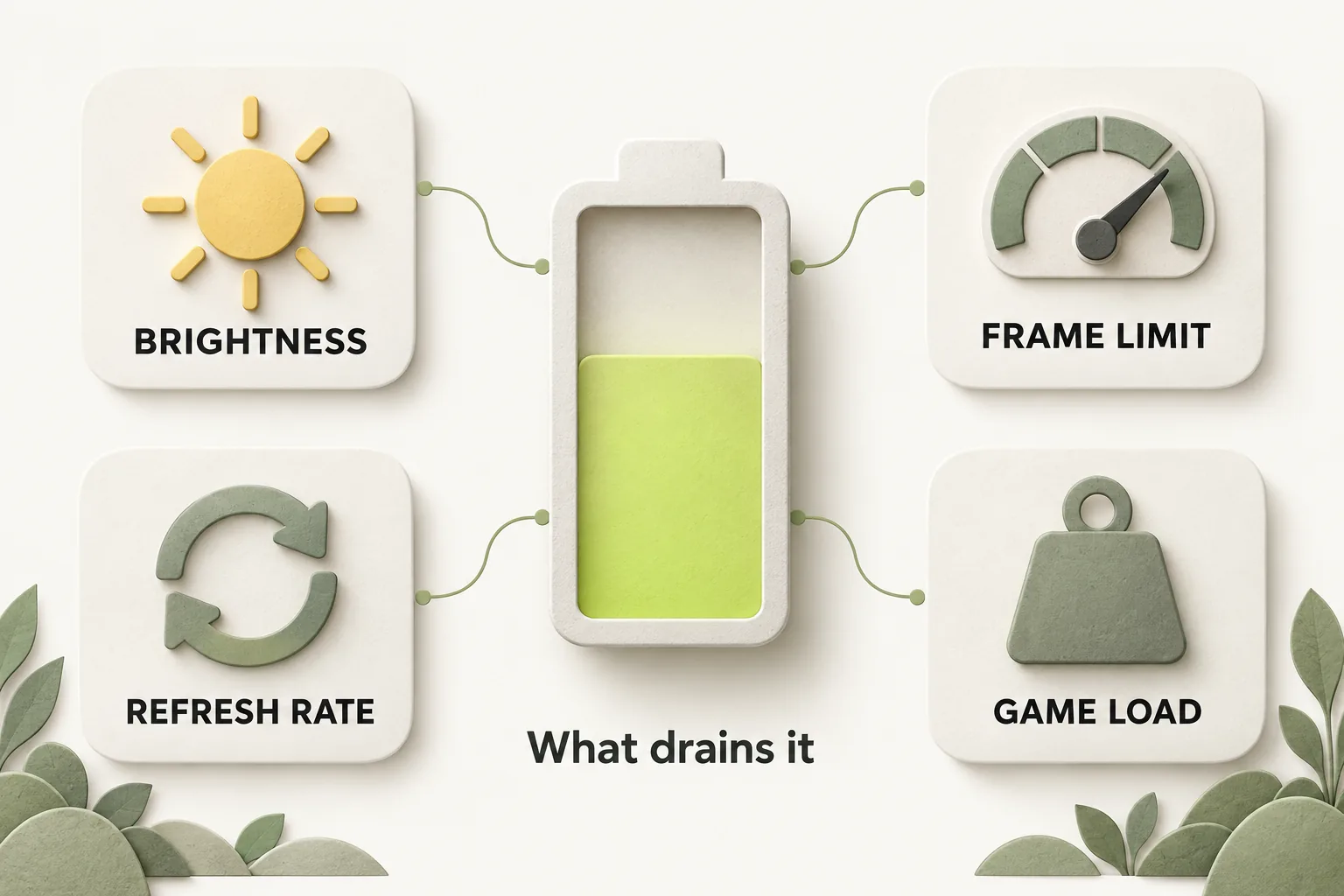
A sensible place to start is frame rate. Valve's Steamworks FAQ for developers recommends that all games have an FPS limit, either within the game or through the global FPS limiter. That developer recommendation supports trying a limit you find comfortable, but Valve does not attach a fixed number of extra hours to the change.
Steam Support says you can lower the display refresh rate in device settings. It also says an in-app refresh rate above the display's cap will not improve performance and may drain battery charge faster. The LCD display is capped at 60Hz and OLED at 90Hz, so an in-app setting above the relevant cap offers no performance benefit under Valve's guidance.
A Tom's Guide article (a secondary source, updated in 2022) describes performance controls in the Quick Access menu, including an overlay, frame rate limit and refresh rate options. Its menu descriptions may have changed since then, so use the controls you can see on your device rather than relying on an old sequence of labels. Adjust one setting at a time if you want to judge whether the resulting play experience suits you.
Can you predict No Man's Sky runtime or compare the ROG Ally X?
Valve's model-wide ranges cannot answer how long No Man's Sky will run on your Deck. The Valve sources cited here give no game-specific hour figure, and workload dependence makes a general promise unreliable. Use the LCD or OLED range as context, then plan around the possibility that a demanding session lands nearer its lower end.
The same evidence limit applies to a ROG Ally X battery life versus Steam Deck comparison. Valve's Deck claims alone cannot establish which handheld lasts longer in a particular game. For a useful comparison, look for results that identify the game and conditions on both devices, and keep those results separate from manufacturer claims.
What do charging and battery care change?
Valve says Steam Deck OLED can charge from 20% to 80% in as little as 45 minutes. That is a charging claim, not a gameplay runtime claim. Steam Support says the Deck uses USB Power Delivery and does not support Fast Charging or Quick Charge specifications.
If a Deck stays on a charger for long periods, Steam Support says it may show less than 100%. Valve describes this as normal behavior that lets the battery slowly discharge to support long-term health. SteamOS 3.7.8 also added a Battery Charge Limit control in Settings > Power; Valve says limiting charge to 80% can help long-term health when the Deck is constantly charged, such as while docked.
For long-term storage, Steam Support provides a battery storage mode. Its steps are to shut down, hold Volume+ while pressing power to enter BIOS, then choose Setup Utility > Power > Battery storage mode. This is a storage procedure, not a way to extend an active game session.
Software changes can affect how you use battery power, too. SteamOS 3.6.19 release notes say LCD battery life improved by up to 10% in light load situations, specifically for the LCD model. A November 2025 client update added Display-Off Low Power Downloads, which finishes active downloads with the display off before sleeping; it is on by default while plugged in and can be enabled on battery in Settings > Power. If downloads are the issue you are trying to solve, see Steam download troubleshooting.
The bottom line
Valve's OLED range is higher than its LCD range, but both depend on content. Choose the model whose claimed range fits your plans, use frame rate and refresh rate controls thoughtfully, and leave room for a demanding game to fall toward the lower end.
How we researched this
This explainer is built from Valve's official Steam Support articles, steamdeck.com specifications and Steam news posts, opened and checked on 16 October 2026. Search demand for "steam deck battery life" comes from SEMrush US keyword data captured in October 2026. We did not run our own device tests for this article, so every specific step, number and date is attributed to the source that states it. A first draft was prepared with AI writing assistance and then fact-checked line by line against those sources by the editorial team.
Our editorial policyYour questions, answered
how long does steam deck battery last
Valve claims 2 to 8 hours of gameplay for Steam Deck LCD and 3 to 12 hours for OLED. Both estimates depend on content, so the answer changes with what you play. If you need to plan a session away from power, the lower end of the range is a more cautious reference than the maximum. Neither figure is a game-specific measurement.
steam deck oled battery life vs lcd
Valve gives OLED the higher range: 3 to 12 hours, compared with 2 to 8 hours for LCD. It also claims OLED has 30 to 50% more battery life overall, citing its larger battery, lower-power display and more efficient AMD APU. That percentage should guide a model comparison, but it does not establish the difference you will see in every game.
how to make steam deck battery last longer
Try a frame rate limit that still feels comfortable in the game you are playing. Valve's developer FAQ recommends that games have an FPS limit, either in the game or through the global limiter. You can also review refresh rate settings, since Steam Support says an in-app rate above the display's cap adds no performance benefit and may drain charge faster. Expect results to vary with content.
does lowering refresh rate save battery on steam deck
Valve does not give a specific battery saving for lowering refresh rate. Steam Support says the rate can be lowered in device settings and warns that an in-app rate above the display cap may drain charge faster without improving performance. The useful choice is the rate that meets your play needs within your model's cap.
should i limit steam deck charge to 80
Yes, consider it if your Deck stays connected to power for long periods. Valve says limiting charge to 80% can help long-term battery health when the device is constantly charged, such as while docked. The Battery Charge Limit control was added in SteamOS 3.7.8 under Settings > Power. Decide based on your charging routine and how much charge you want before unplugging.
Sources and further reading
- Steam Deck: Valve (compare table) ↗
- Steam Deck OLED: Valve ↗
- Steam Deck Tech Specs: Valve ↗
- Steam Deck - Basic Use & Troubleshooting Guide: Steam Support ↗
- SteamOS 3.7.8: Go Country: Steam News (Valve) ↗
- SteamOS 3.6.19 Stable Release: Steam News (Valve) ↗
- Steam Deck Client Update: Display-Off Downloads: Steam News (Valve) ↗
- Steam Deck FAQ (Steamworks Documentation): Valve ↗
- Steam Deck Recommendations (Steamworks Documentation): Valve ↗
- How to enable the performance overlay on the Steam Deck: Tom's Guide (secondary report) ↗