Steam deck oled vs lcd comes down to what you want from the screen, battery and purchase price, rather than a promise of faster games. Valve aimed for the same performance specification on both models, but the OLED changes several parts of the handheld experience. For an LCD owner, the question is whether those changes address a limitation you regularly notice. For a first-time buyer, the decision also depends on what is actually listed for sale: Valve’s US comparison table showed OLED prices on October 16, 2026, but no price for its LCD column.
Is the OLED screen worth choosing?
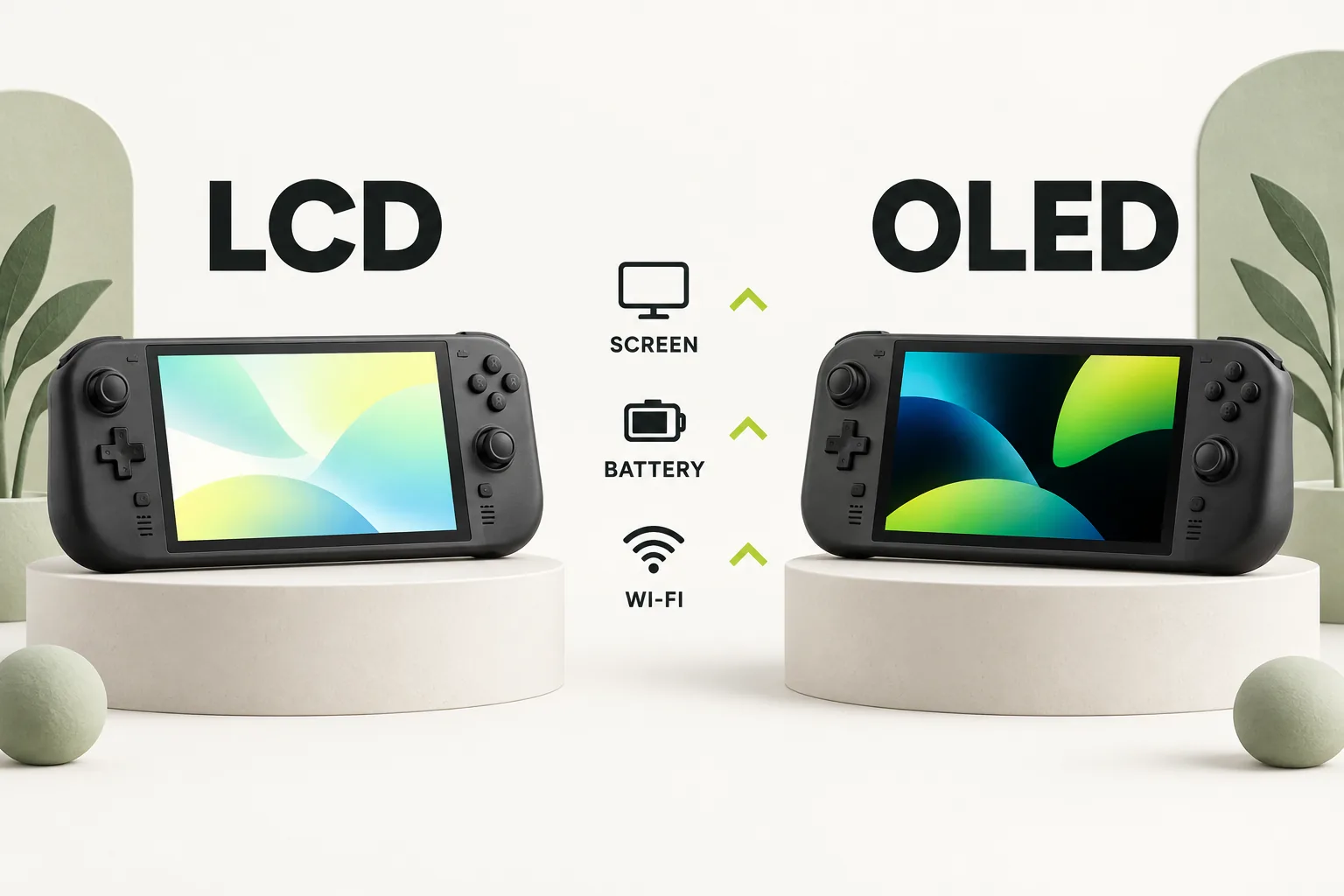
The clearest difference is the display. The LCD has a 7-inch, optically bonded IPS screen at 1280 x 800 and 60Hz. The OLED has a 7.4-inch HDR screen at the same resolution, with refresh up to 90Hz. Both have the same listed body dimensions.
Valve lists 400 nits of typical brightness for the LCD. For the OLED, it lists 600 nits in SDR, 1,000 nits peak in HDR, contrast above 1,000,000:1 and a 110% P3 color gamut. The HDR peak is not an everyday brightness figure.
The resolution remains 1280 x 800 on OLED. Reasons to change include the larger viewing area, HDR, contrast and higher refresh ceiling. Steam Support confirms the LCD is capped at 60Hz and the OLED at 90Hz, but that does not mean a game will produce more frames on OLED.
For an existing owner, the choice depends on which limitation you notice. A screen upgrade makes sense if display quality affects how often you use the device. If your main complaint is game performance, the screen specifications do not answer it.
How different is battery life?
Valve lists a 40Whr battery and 2 to 8 hours of gameplay for the LCD, versus a 50Whr battery and 3 to 12 hours for the OLED. Both ranges are content dependent, so neither promises a particular result for your games.
Valve says the OLED has 30 to 50% more battery life, citing its larger battery, lower-power display and more efficient APU. That comparison does not predict a result for your games or settings. What Valve's battery estimates really mean offers more context for those ranges.
According to Valve, the OLED can charge from 20% to 80% in as little as 45 minutes. That is a best-case claim, not a fixed charging time. If you usually play near an outlet, consider whether longer battery life would change your routine.
For a first purchase, consider battery life alongside the screen. The OLED combines a larger battery with a display and APU that Valve says use less power. If you own an LCD, consider whether its battery range interrupts your sessions.
Does the OLED perform better in games?
Valve says it aimed for the same performance specification on both models. Each lists a Zen 2 4c/8t CPU at 2.4 to 3.5GHz, an 8 RDNA 2 CU GPU at 1.6GHz and 4 to 15W of APU power. The LCD uses a 7 nm APU and the OLED a 6 nm APU, but Valve does not promise higher game performance.
Both models have 16 GB of LPDDR5 RAM, rated at 5500 MT/s on the LCD and 6400 MT/s on the OLED. That difference does not establish that a particular game will run at a higher frame rate. Base your choice on the documented screen, battery and feature changes.
Valve says titles tested in the Deck Verified program keep their ratings on both models. That does not mean every game behaves identically or that the OLED’s 90Hz ceiling guarantees a matching frame rate.
If your LCD handles your games but its display or battery disappoints you, the OLED offers documented improvements. If game speed is your only reason to replace a working LCD, Valve’s specifications do not establish a substantial upgrade.
What changes besides the screen and battery?
The OLED is listed at approximately 640 grams, compared with approximately 669 grams for the LCD. Both measure 298mm x 117mm x 49mm. That makes weight a documented difference, while the listed outer dimensions give you no basis to expect a smaller device.
For wireless connections, the LCD has dual-band Wi-Fi 5 and Bluetooth 5.0. The OLED has tri-band Wi-Fi 6E across 2.4, 5 and 6GHz, plus Bluetooth 5.3. Valve advertises faster downloads of up to three times with Wi-Fi 6E and stable online play, but an up-to figure is not a guarantee for your connection. If downloads are your concern, check slow Steam downloads before making wireless specifications the deciding factor.
Steam Support identifies one audio distinction: the OLED’s built-in microphone works while the 3.5mm jack is in use, whereas the LCD’s does not. That may matter if your preferred audio setup uses the jack and the built-in mic together. If you never use that combination, it gives you little reason to switch.
OLED power supplies have a 2.5m cable, versus 1.5m for the LCD. Only the 1TB OLED adds premium anti-glare etched glass, a carrying case with a removable liner, an exclusive startup movie and a virtual keyboard theme. Compare the 1TB model for those specific additions; the screen, battery and core OLED benefits are already present on the 512GB OLED.
Should you keep your LCD or upgrade?
Start with the reason you are considering a change. The official specifications make a strong case for OLED when the screen or battery is the recurring constraint, while Valve’s shared performance target weakens the case for replacing an LCD to gain game speed. The table turns those facts into a decision checklist, not a score for either model.
| Your priority | What the specifications show | Practical decision |
|---|---|---|
| A better display | 7-inch, 60Hz IPS LCD versus 7.4-inch HDR OLED up to 90Hz | Consider OLED if the display change addresses something you notice. |
| More time away from power | 40Whr and 2 to 8 hours versus 50Whr and 3 to 12 hours, content dependent | Consider OLED if the LCD battery range limits your sessions. |
| Faster games | Valve aimed for the same performance specification | Keep the LCD if game speed is your only reason to replace it. |
| A lighter handheld | Approximately 669 grams versus approximately 640 grams | Treat weight as a supporting reason, alongside changes you value. |
| The 1TB extras | Etched glass, case liner and two cosmetic features are exclusive to 1TB OLED | Choose that tier only if its added features matter to you. |
A working LCD still offers the same listed resolution, CPU and GPU specifications, and Deck Verified ratings for titles Valve has tested. Keeping it can be the clearest choice when your current display and battery meet your needs. You can revisit the decision when one of those needs changes, using current listings at that time.
Separate a problem with your current device from a reason to buy OLED. If an existing game installation is failing, the Steam disk write errors guide addresses that issue; a different display specification does not explain it. This check keeps the purchase decision tied to the benefits Valve actually lists.
What should you check before buying either model?
As of October 16, 2026, Valve’s official US Compare Steam Decks table listed the 512GB OLED at $789.00 and the 1TB OLED at $949.00. The 256GB LCD column showed no price. Those are dated US listings, so check the official store again before making a purchase decision.
Valve’s May 27, 2026 pricing post also set those US OLED prices, citing component costs and global logistics. The extra cost between its two OLED listings buys the larger listed storage tier and the 1TB-only features described above. If those extras are not priorities, evaluate the 512GB OLED on its own merits rather than assuming the highest tier is necessary to get the OLED screen.
If you are considering an LCD from another seller, confirm the exact model, condition and terms of that offer before comparing its asking price with a new OLED listing. A Game Informer report says the LCD model was discontinued, and PCGamesN quotes a Steam Deck store-page message saying production of the 256GB LCD has stopped. Those secondary reports are unconfirmed here, and the official comparison table’s blank price does not establish that a new LCD is available from Valve.
Storage questions deserve a model-specific check, too. Our handheld storage card rules on Switch 2 guide covers a different device; use guidance for the handheld you are actually buying. For this comparison, the supported storage facts are the OLED tiers in Valve’s listings, not an assumed rule carried over from another system.
The bottom line
Buy OLED for its documented display, battery and feature changes if those improve how you use a handheld. Keep an LCD that already meets your needs, especially if you are hoping mainly for faster games. For any purchase, use a current offer rather than treating a dated price or secondary availability report as final.
How we researched this
This decision guide is built from Valve's official Steam Support articles, steamdeck.com specifications and Steam news posts, opened and checked on 16 October 2026. Search demand for "steam deck oled vs lcd" comes from SEMrush US keyword data captured in October 2026. We did not run our own device tests for this article, so every specific step, number and date is attributed to the source that states it. A first draft was prepared with AI writing assistance and then fact-checked line by line against those sources by the editorial team.
Our editorial policyYour questions, answered
is steam deck oled worth it over lcd
It is worth considering if the larger HDR display, higher refresh ceiling or longer official battery estimates solve a problem you have with the LCD. Valve targets the same performance specification, so an upgrade based only on expected game speed has little support in the official information. For a first purchase, weigh those benefits against the current offer available to you.
is the steam deck lcd discontinued
Its status is described as discontinued in secondary reporting, but that claim is unconfirmed here. A Game Informer report says the LCD model was discontinued, while PCGamesN quotes a store-page message saying production of the 256GB LCD had stopped. Valve’s US comparison table showed no LCD price on October 16, 2026; that alone does not tell you what a seller has available.
steam deck oled vs lcd battery life
Valve lists 3 to 12 hours of gameplay for OLED and 2 to 8 hours for LCD, with both ranges dependent on content. It also says OLED has 30 to 50% more battery life because of its larger battery, lower-power display and more efficient APU. Use those figures to compare the models, then judge whether your current charging routine makes the difference valuable.
how much is the steam deck oled now
On October 16, 2026, Valve’s official US comparison table listed the 512GB OLED at $789.00 and the 1TB OLED at $949.00. These are dated US prices, not a promise about a later listing or another region. The 1TB version adds etched glass and other listed extras, so check whether you want those features before choosing between the two.
does steam deck oled perform better than lcd
Valve says it aimed for the same performance specification on OLED and LCD, so the official information does not support promising better game performance. The models share the listed CPU and GPU specifications, although their APU manufacturing process and RAM ratings differ. OLED’s display can refresh up to 90Hz instead of 60Hz, but a display ceiling is not a guaranteed game frame rate.
Sources and further reading
- Steam Deck: Valve (steamdeck.com compare table) ↗
- Steam Deck OLED: Valve ↗
- Steam Deck OLED Tech Specs: Valve ↗
- Steam Deck LCD Tech Specs: Valve ↗
- Steam Deck back in stock, with updated pricing: Steam News (Valve) ↗
- Steam Deck - Software Info & Troubleshooting Guide: Steam Support ↗
- Steam Deck - Basic Use & Troubleshooting Guide: Steam Support ↗
- Valve just raised the price of the Steam Deck: Game Informer (secondary report) ↗
- Steam Deck LCD 256GB discontinued: PCGamesN (secondary report) ↗